Hoppa till innehåll
View in the app

A better way to browse. Learn more.

Edgeforum

A full-screen app on your home screen with push notifications, badges and more.

To install this app on iOS and iPadOS
  1. Tap the Share icon in Safari
  2. Scroll the menu and tap Add to Home Screen.
  3. Tap Add in the top-right corner.
To install this app on Android
  1. Tap the 3-dot menu (⋮) in the top-right corner of the browser.
  2. Tap Add to Home screen or Install app.
  3. Confirm by tapping Install.

famous grouse

Members
  • Blev medlem

  • Senast besökta

  1. Stort tack för informationen. Mvh Erland
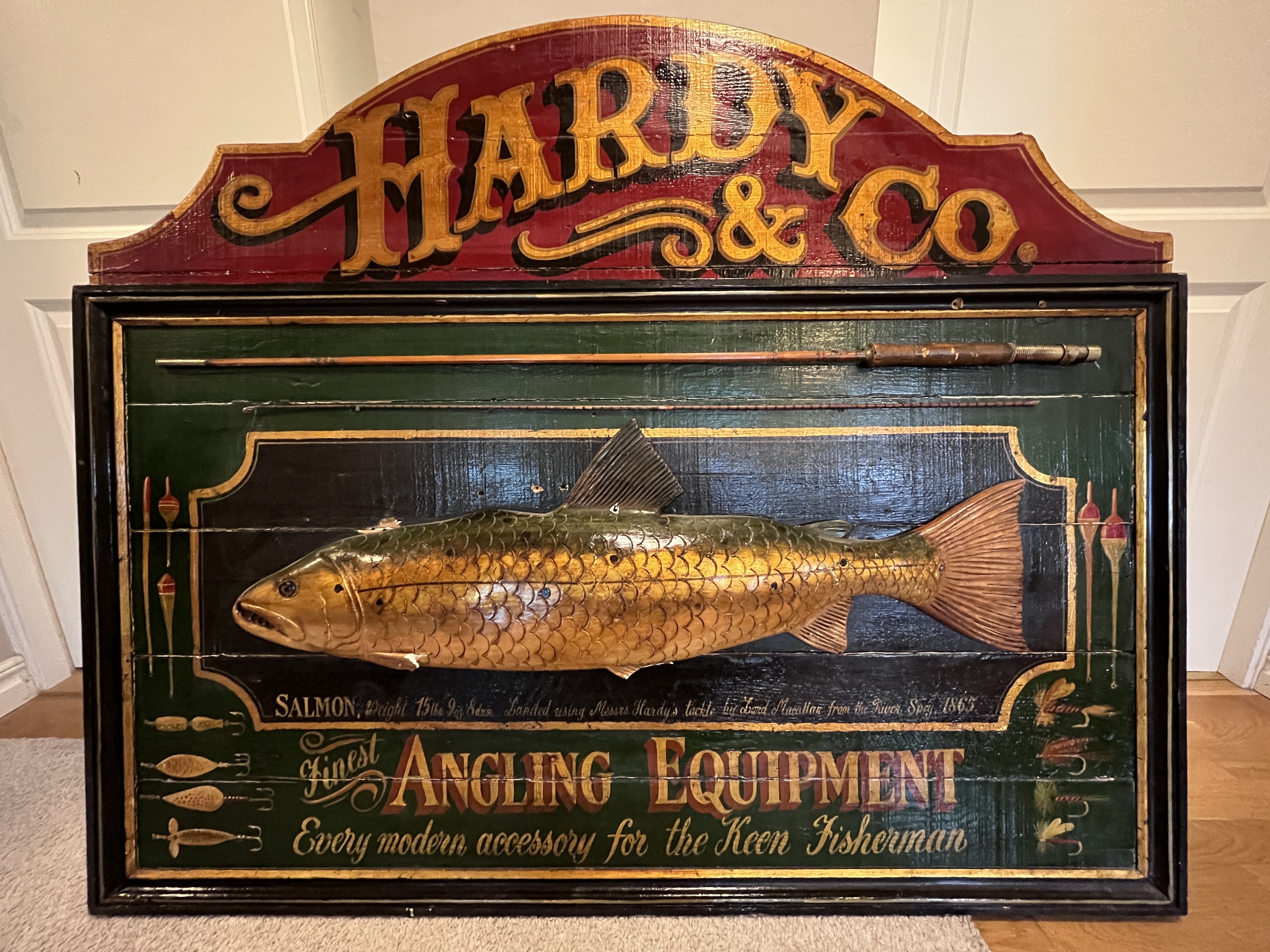
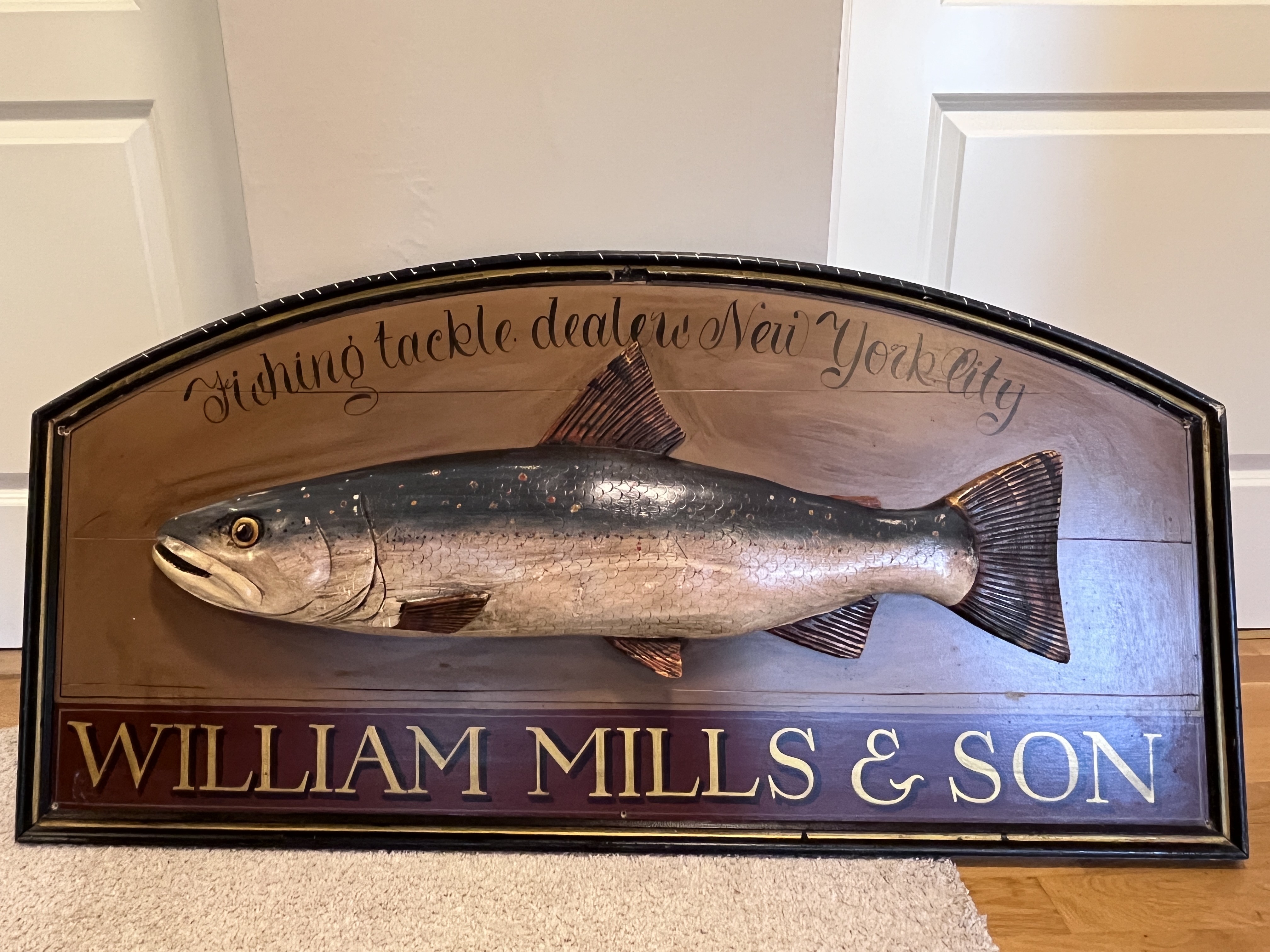
  2. Hej, är det någon som kan ha en aning om värdet på dessa tavlor/skyltar? Trä i kombination med gips och ett canespö på ena skylten… Har aldrig kommit upp på väggen som tänkt… Lämpligt forum att sälja? Tradera? Tack på förhand! Mvh Erland

Account

Navigation

Sök

Sök

Configure browser push notifications

Chrome (Android)
  1. Tap the lock icon next to the address bar.
  2. Tap Permissions → Notifications.
  3. Adjust your preference.
Chrome (Desktop)
  1. Click the padlock icon in the address bar.
  2. Select Site settings.
  3. Find Notifications and adjust your preference.